 Start Here
  Platform Guide
  Billing & Account
  Connect & Integrate
  Troubleshooting & Help
  Developers & API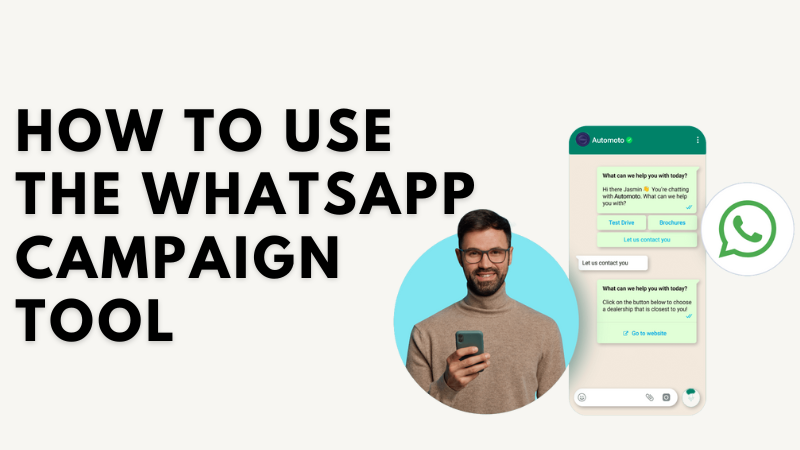
ℹ️ Which WhatsApp connection method should you use?
eGrow supports two ways to connect WhatsApp:
1. Coexistence (scan a QR code and keep the WhatsApp Business app). This method is official and completely legal. However, it comes with the app's own limits and known troubles — WhatsApp may block sending when you message many customers, campaigns are restricted, and disconnections are more frequent.
2. Recommended — a dedicated number without the WhatsApp app. Connect a number that is NOT installed in any WhatsApp app directly to eGrow, and answer & receive all messages from eGrow Web and the eGrow mobile app. This is the most stable method for automations, campaigns and high message volumes, and it is what we always advise.
eGrow supports two ways to connect WhatsApp:
1. Coexistence (scan a QR code and keep the WhatsApp Business app). This method is official and completely legal. However, it comes with the app's own limits and known troubles — WhatsApp may block sending when you message many customers, campaigns are restricted, and disconnections are more frequent.
2. Recommended — a dedicated number without the WhatsApp app. Connect a number that is NOT installed in any WhatsApp app directly to eGrow, and answer & receive all messages from eGrow Web and the eGrow mobile app. This is the most stable method for automations, campaigns and high message volumes, and it is what we always advise.
Want to send bulk promotions, updates, or reminders on WhatsApp? eGrow’s WhatsApp Campaign Tool helps you reach customers instantly and effectively.
Steps to Launch a Campaign:
Log in to your eGrow account
Go to Campaigns > WhatsApp
Click “New Campaign”
Choose or upload your audience list (make sure numbers include country codes)
Select a pre-approved WhatsApp template
Set the send time (now or schedule later)
Click “Send” or “Schedule”
That’s it — your campaign is on the way!
After Sending:
Track performance in the Campaign Analytics tab:
Message sent/delivered/read rates
Response rate
And other metrics
Tip: Keep messages short, personalized, and value-driven for better results.
Noch keine Kommentare. Seien Sie der Erste, der kommentiert!