Call Center Setup Guide
The Call Center App helps your team confirm customer orders efficiently with intelligent order distribution, focused tas...
Plantillas de mensajes de WhatsApp para pedidos (Pago contra reembolso)
Puedes utilizar estas plantillas directamente con la API de WhatsApp Business en eGrow. Todas las variables están numer...
WhatsApp Connection Methods: Direct API Linking vs Coexistence (QR Scan)
eGrow supports two official ways to connect a WhatsApp number. Both are legal and approved by Meta — but they are not ...
Introducing the Template Generator Tool in eGrow
Creating WhatsApp message templates just became easier than ever! With the new Template Generator in eGrow, you can now...
How to Send Product Pictures in Your Confirmation Message on eGrow
Adding product pictures to your WhatsApp confirmation messages helps customers instantly recognize what they ordered —...
Your Shopify Store Is Bleeding Sales — Here’s the Fix
You’ve done the hard work—brought traffic to your store, showcased your products, got customers to add items to thei...
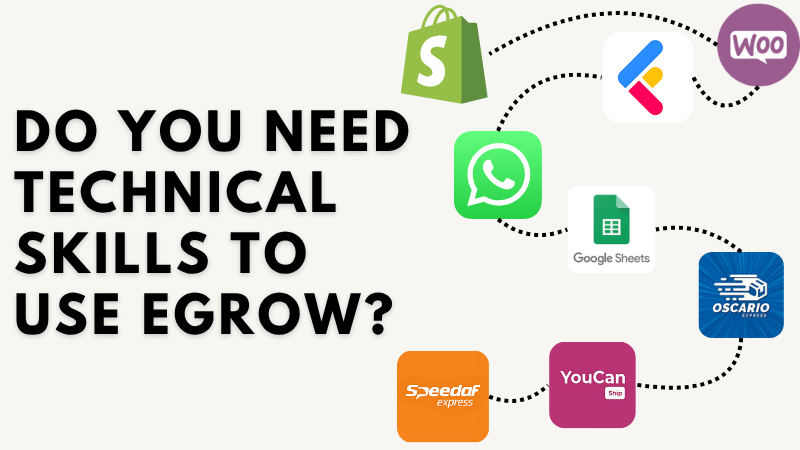
Which Platforms Does eGrow Support?
eGrow connects with the most commonly used platforms in Moroccan and regional ecommerce — so you can manage your busin...
WhatsApp Template Category Guide: How to Keep Your Templates in the “Utility” Category
WhatsApp Template Category Guide: How to Keep Your Templates in the “Utility” Category When you submit a WhatsApp B...
Send Delivery Man Contact Details Automatically After Shipping an Order
Keeping your customers informed about their delivery builds trust and reduces support questions. With eGrow, you can aut...
Send a WhatsApp Message After Order Stage is Updated
eGrow allows you to automate WhatsApp messages based on important order events — including when an order stage changes...
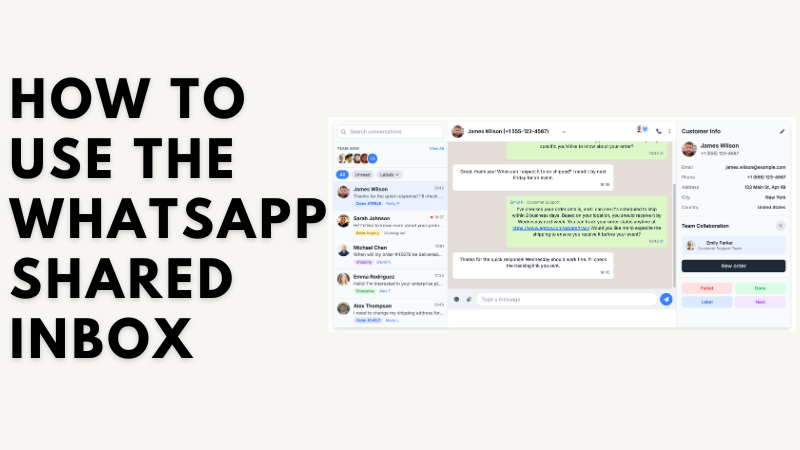
How to Use the WhatsApp Shared Inbox
ℹ️ Which WhatsApp connection method should you use?eGrow supports two ways to connect WhatsApp:1. Coexistence (scan ...

How to Use an AI Agent?
🌟 Overview The eGrow AI Agent is your intelligent assistant that automatically chats with customers on WhatsApp — ...
How to Use AI Conditions in eGrow Automations
The AI Condition feature in eGrow allows you to create smarter automations by asking the AI a question (prompt) about yo...
How to Use “Action Restricting” in eGrow
The Action Restricting feature in eGrow gives you more control over your team’s access by limiting what specific teams...
How to Stop Bots from Sending Fake COD Orders on Shopify
If you receive fake Cash-on-Delivery (COD) orders on your Shopify store, the issue usually comes from bots submitting yo...
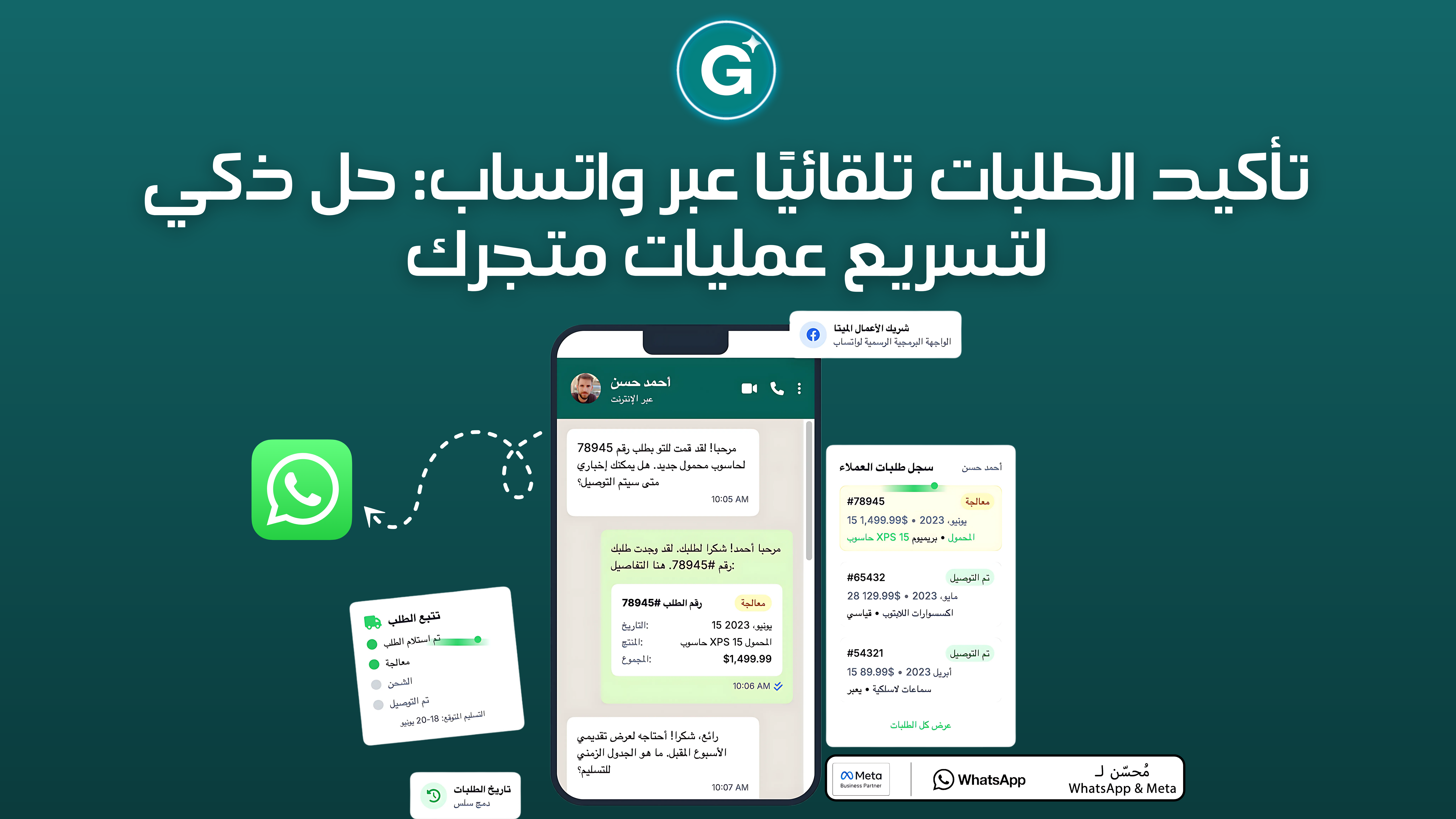
تأكيد الطلبات تلقائيًا عبر واتساب: حل ذكي لتسريع عمليات متجرك
هل تعلم أن أكثر من 40% من الطلبات بنظام الدفع عند الاستلام في المغرب...
How to Link Each Store to Its Own WhatsApp Number in eGrow
ℹ️ Which WhatsApp connection method should you use?eGrow supports two ways to connect WhatsApp:1. Coexistence (scan ...
How to Enable AI Agent Access to Your Products in eGrow
You can allow the AI Agent to recognize and use specific products by enabling AI access directly from the product settin...
How to Calculate Commissions Automatically
Tired of using Excel or WhatsApp messages to figure out how much your agents earned in commissions? eGrow makes it easy ...
How to Automatically Send a WhatsApp Message When Receiving the First Message From a Customer
How to Automatically Send a WhatsApp Message When Receiving the First Message From a CustomerYou can create an automatio...
How to Automatically Send a WhatsApp Message When Receiving a Keyword Message From a Customer
With eGrow automations, you can automatically reply on WhatsApp when a customer sends a message containing a specific ke...
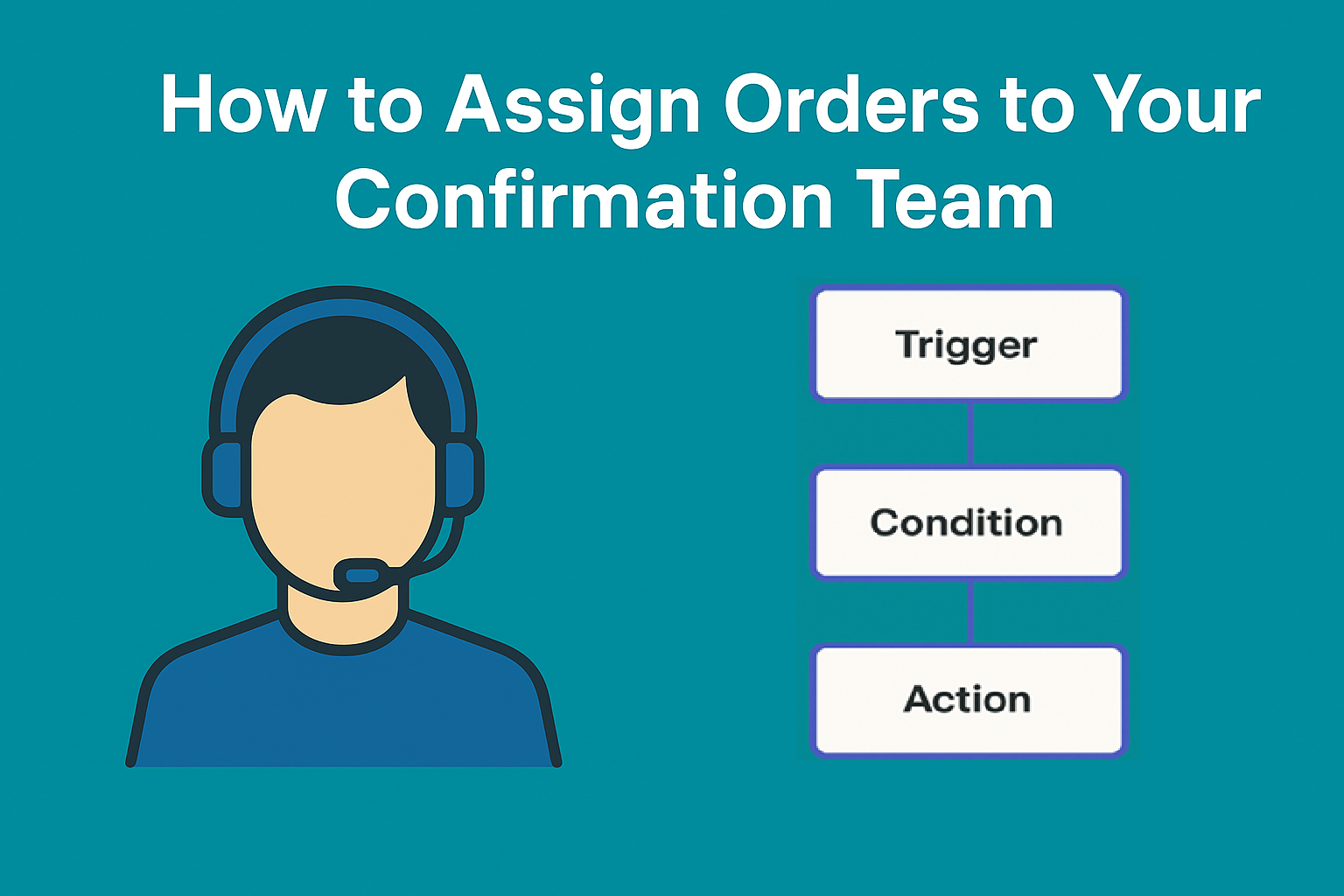
How to Assign Orders to Your Confirmation Team/User
Managing orders efficiently is crucial for smooth operations. With Order Automation in eGrow, you can automatically assi...
How to Assign Conversations to Your Team/Users
Efficiently managing customer conversations helps your team respond faster and stay organized. With Conversation Automat...
How to Assign an AI Agent to a Specific WhatsApp Number Using Automation
With eGrow Automations, you can assign a specific AI Agent to reply only to messages received on a selected WhatsApp num...
How to Add a Quick Reply in WhatsApp
Follow these steps to create and manage your quick replies:Step 1: Open Your InboxNavigate to the Inbox section and sele...
Enable Order Status Sync from eGrow to Shopify
The Order Status Sync from eGrow to Shopify feature allows you to automatically synchronize order statuses between both ...
eGrow Mobile App Update – What’s New?
We’re excited to announce the latest update to the eGrow Mobile App, designed to give you even more control of your bu...
Automatically Confirm Orders Using WhatsApp
eGrow allows you to automate order confirmation, modification, or cancellation by sending WhatsApp messages with interac...
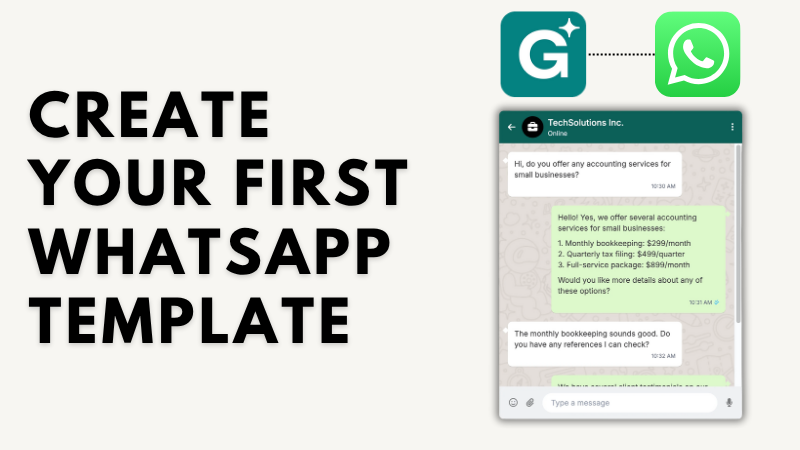
Create Your First WhatsApp Template
With eGrow, you can easily create and manage WhatsApp message templates to automate communication with your customers. ...
Send a WhatsApp Message After a New Order
eGrow allows you to automate WhatsApp messages based on key events like new order creation. This guide shows you how to ...
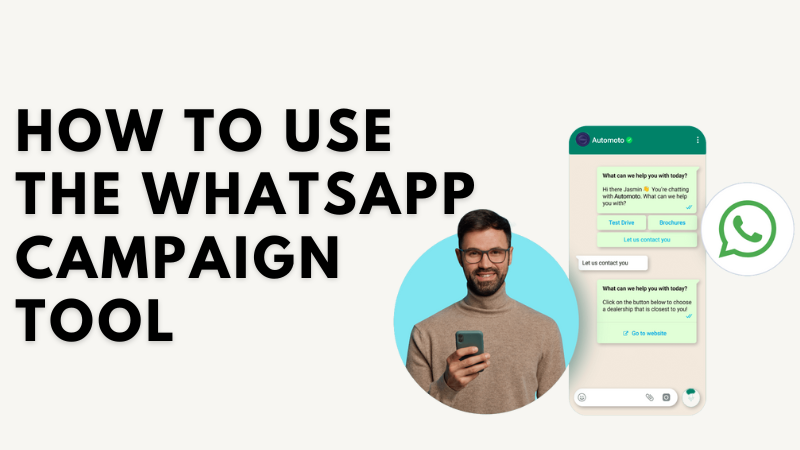
How to Use the WhatsApp Campaign Tool
ℹ️ Which WhatsApp connection method should you use?eGrow supports two ways to connect WhatsApp:1. Coexistence (scan ...